Web Accessibility - Is Your Website All Inclusive with Disabled Access?

The American Dental Association has recently released a paper to members about the important issue of web accessibility because several dentists in Texas had received letters from attorneys alleging their websites violate the Americans with Disabilities Act (AwDA).
These company websites allegedly were not accessible to individuals with disabilities such as blindness or hearing impairment. Such letters typically request the payment of some amount of money in order to avoid a lawsuit, and may also insist on prompt compliance with the law.
Key Stat: In the United States, web accessibility lawsuits have increased by over 400% since 2018, with more than 4,600 cases filed in 2023 alone. The average settlement ranges from $10,000 to $75,000, not including legal fees. Globally, 1 in 4 adults live with a disability — making accessible design both a legal necessity and a market opportunity. (Source: WebAIM, "Accessibility Lawsuit Annual Report", 2024; CDC, "Disability Impacts All of Us", 2024)
TL;DR
Web accessibility means designing your website so people with disabilities can use it. Key actions: add alt text to images, ensure keyboard navigation, provide captions for video, maintain sufficient colour contrast, and create an accessibility statement page. Accessibility lawsuits are rising sharply — making your site inclusive now protects you legally, improves your SEO, and opens your business to a market of 1.3 billion people with disabilities worldwide.
This kind of litigation is expensive to fight and an unnecessary cost for any local business. Also, just because you may be 'hit' once, doesn't stop you from being 'hit' again unless you take some immediate action and make your website inclusive for all.
Dental websites seem to be a target of late, but the same 'drive-by' litigation tactics could be experienced by any small business with a web presence.
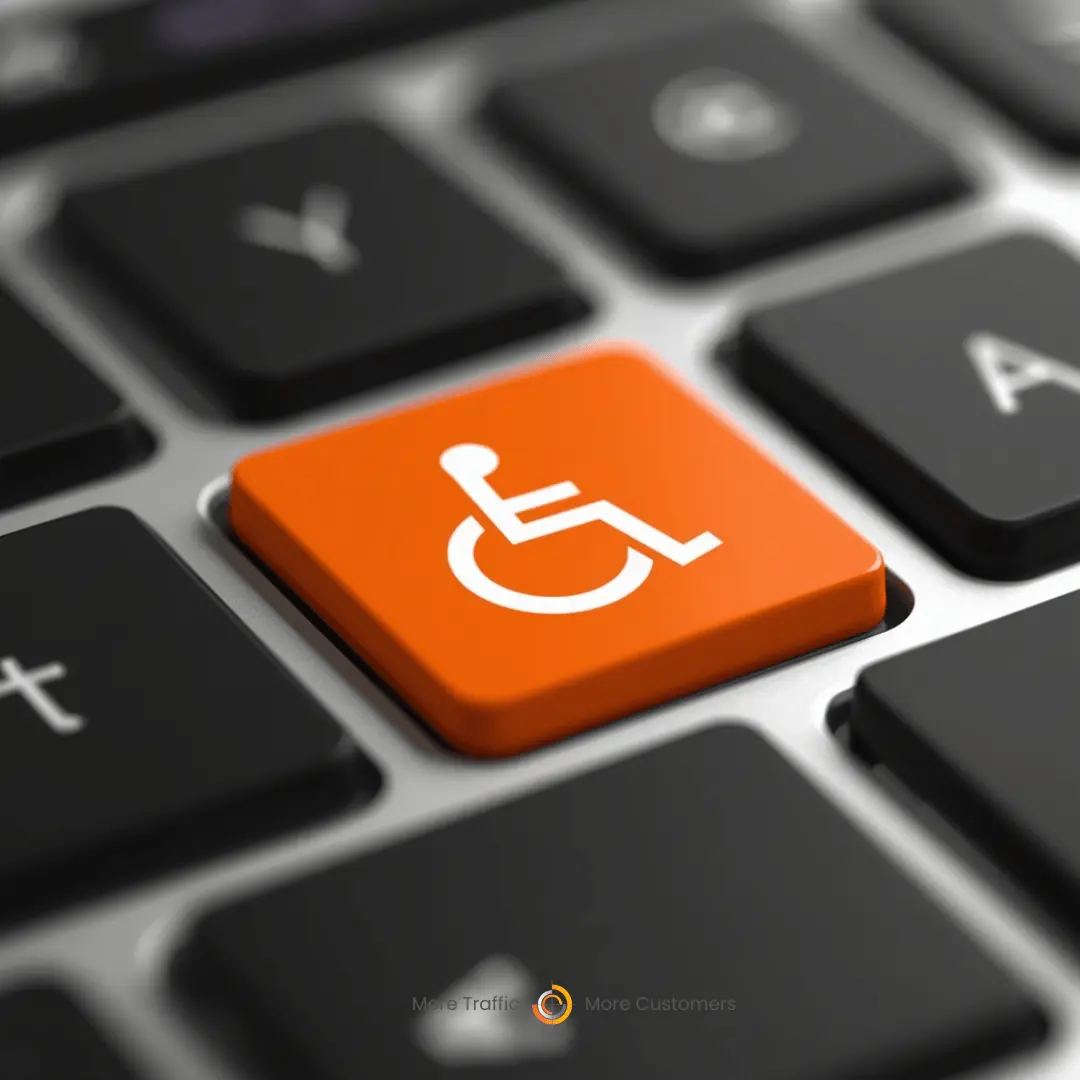
Making Your Website Accessible to All
In order to avoid costly, stressful litigation it would be prudent to ensure your website first removes barriers that prevent interaction with, or access to it by people with disabilities. When websites are correctly designed, developed and edited, all visitors have equal access to information and functionality.
You can find out more about web accessibility here.
In some cases, for old websites or if your web designer has disappeared it maybe a case of having a new website developed to the current standards with inclusive accessibility.
In less dramatic scenarios you can make an 'Accessibility' link in the footer of your website that directs to a web page called "Accessibility." This new page would typically be located below the Contact Us tab on the main menu.
On the Contact Us page, add the additional text below or something similar depending on your business or industry:
We are committed to continuously improving access to our goods and services by individuals with disabilities. If you are unable to use any aspect of this website because of a disability, please call [insert your company phone number] and we will provide you with prompt personalized assistance.
Web Accessibility Page Example
[Insert your company name] are continuously working to improve the accessibility of content on our website. Below, you'll find a few recommendations to help make your browsing experience more accessible:
If you have trouble seeing web pages, the US Social Security Administration offers these tips for optimizing your computer and browser to improve your online experience.
- Use your computer to read web pages out loud
- Use the keyboard to navigate screens
- Increase text size
- Magnify your screen
- Change background and text colors
- Make your mouse pointer more visible (Windows only)
If you are looking for mouse and keyboard alternatives, speech recognition software such as Dragon Naturally Speaking may help you navigate web pages and online services. This software allows the user to move focus around a web page or application screen through voice controls.
If you are deaf or hard of hearing, there are several accessibility features available to you.
Closed Captioning
Closed captioning provides a transcript for the audio track of a video presentation that is synchronized with the video and audio tracks. Captions are generally visually displayed over the video, which benefits people who are deaf and hard of hearing, and anyone who cannot hear the audio due to noisy environments. Most of our video content includes captions. Learn how to turn captioning on and off in YouTube.
Volume Controls
Your computer, tablet, or mobile device has volume control features. Each video and audio service has its own additional volume controls. Try adjusting both your device's volume controls and your media players' volume controls to optimize your listening experience.
If the recommendations above do not meet your needs, we invite you to contact us at [insert your company phone number] for assistance.
The American Dental Association's 'Accessibility' web page can be referenced here.
-
It is also important that you have some versed in helping people with disabilities in your place of work and on the phone. Filling in forms and providing further information makes for an all inclusive service.
If you are looking for a cutting edge web design and development with built in web accessibility as a standard feature, contact us today. We are here to help you!
FAQ
What is web accessibility and why does it matter?
Web accessibility means designing websites so people with disabilities can perceive, understand, navigate, and interact with them. It matters because 1 in 4 adults worldwide has a disability, and inaccessible websites exclude a significant portion of your potential customers. It also matters legally: ADA-related web accessibility lawsuits have surged by over 400% since 2018.
Can I really get sued for having an inaccessible website?
Yes. In the United States, the Americans with Disabilities Act (ADA) has been interpreted to apply to websites. Over 4,600 accessibility lawsuits were filed in 2023, targeting businesses of all sizes. Settlements typically range from $10,000 to $75,000 plus legal fees. The risk is real and growing, making proactive compliance far cheaper than reactive legal defence.
What are the quickest accessibility fixes I can make?
Start with these 5 high-impact fixes: (1) Add descriptive alt text to all images. (2) Ensure all interactive elements work with keyboard navigation. (3) Use sufficient colour contrast (WCAG AA standard: 4.5:1 for normal text). (4) Add captions and transcripts to videos. (5) Create an accessibility statement page. These changes take minimal effort but address the most common compliance issues.
Does accessibility help SEO?
Yes, significantly. Many accessibility practices overlap with SEO best practices: alt text improves image search visibility, proper heading structure helps crawlers understand content hierarchy, transcripts make video content indexable, and fast load times benefit both screen reader users and search rankings. Google has explicitly stated that accessibility is part of delivering a good user experience — which is a ranking factor.
How do I test my website for accessibility?
Use free automated tools first: WAVE (webaim.org), Google's Lighthouse audit, and axe DevTools browser extension. These catch common issues like missing alt text, low contrast, and keyboard traps. Then test manually: navigate your entire site using only the Tab key, use a screen reader like NVDA or VoiceOver, and check colour contrast with a tool like WebAIM's Contrast Checker. For a thorough assessment, consider a professional WCAG audit.
About the Author
Perry Stevens is the founder of Blend Local Search Marketing, a Singapore-based agency that builds accessible, high-converting websites for local businesses. With over 15 years in web design and digital marketing, Perry ensures every site meets modern accessibility standards while delivering strong SEO performance. Connect with Perry on LinkedIn.
Need an accessible, high-performing website?
Our Rank30 Website Sprint builds fast, conversion-focused websites with WCAG accessibility built in from day one. Protect your business and improve your SEO simultaneously.
Explore Rank30 Websites